Enabling RX Audio on the ICOM IC-9700 microphone jack
Christoph Berg
I built myself a breakout cable for the ICOM microphone jack so I would have RX and TX audio and PTT all in one connector. This works well on the IC-7610 with a standard PC headset. (Downside on the 7610: only mono audio, so no dual watch diversity RX).
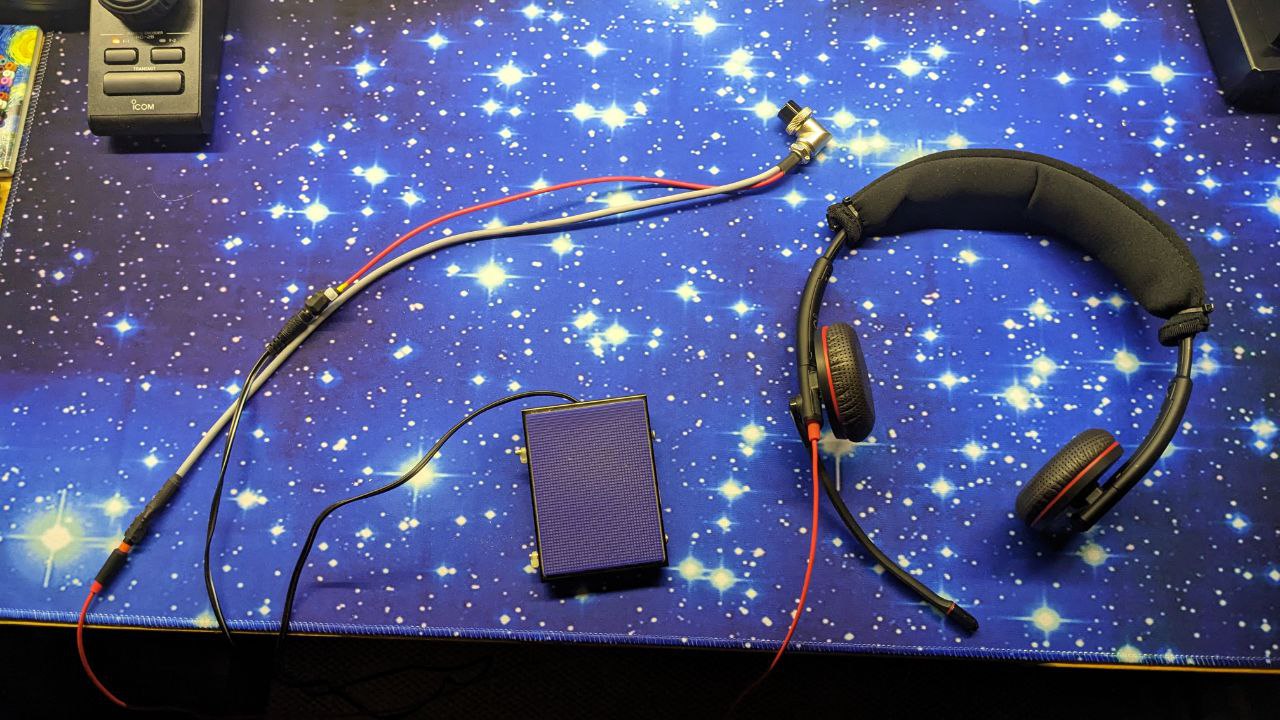
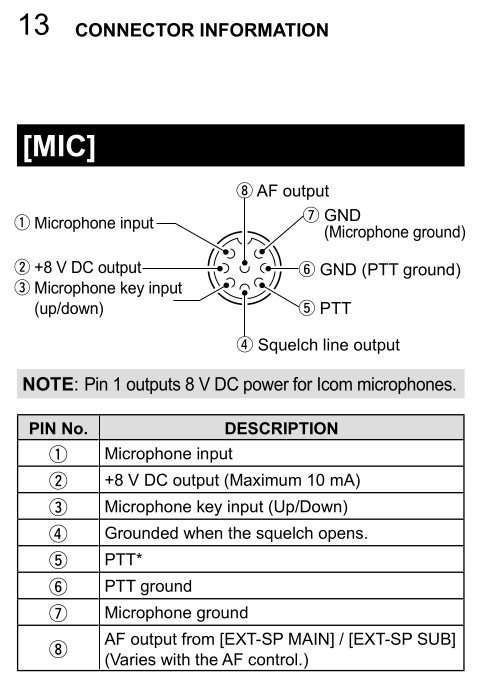
I wanted to use the same cable on the IC-9700, but while TX audio and PTT worked, there was no RX audio on pin 8.
Searching the web a bit I found one post by PH4X:
IC-9700 mod: enable AF out on mic
May 15, 2019
By PH4X in hardware

To enable the AF output on Pin 8 of the MIC socket (AFO line),
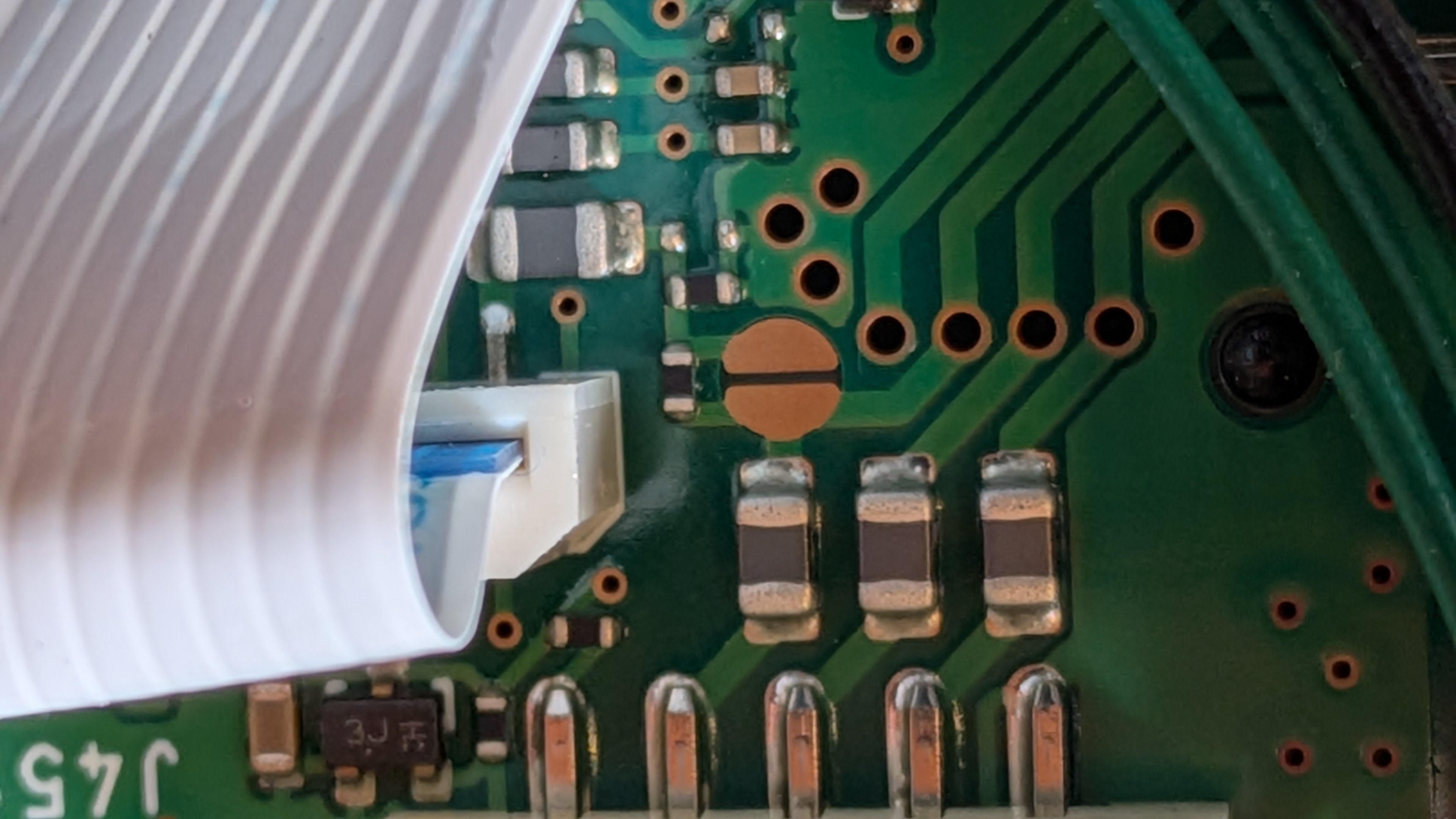
solder a bridge across test point CP421 on the DISPLAY board.

Schematic: Service manual, p. 10-17.
Board layout: Service manual, p. 7-10, to left of R421
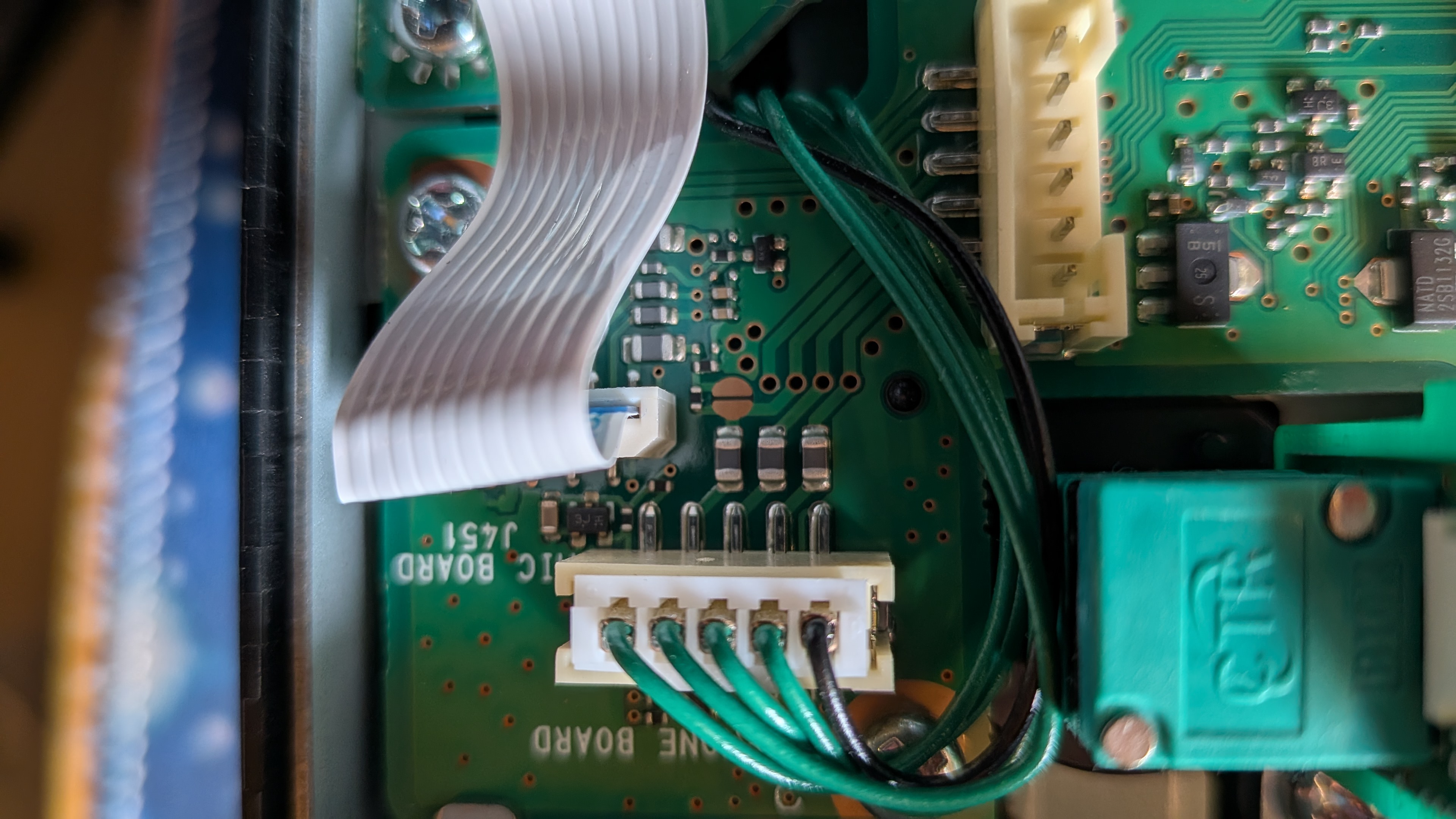
The test point is there:
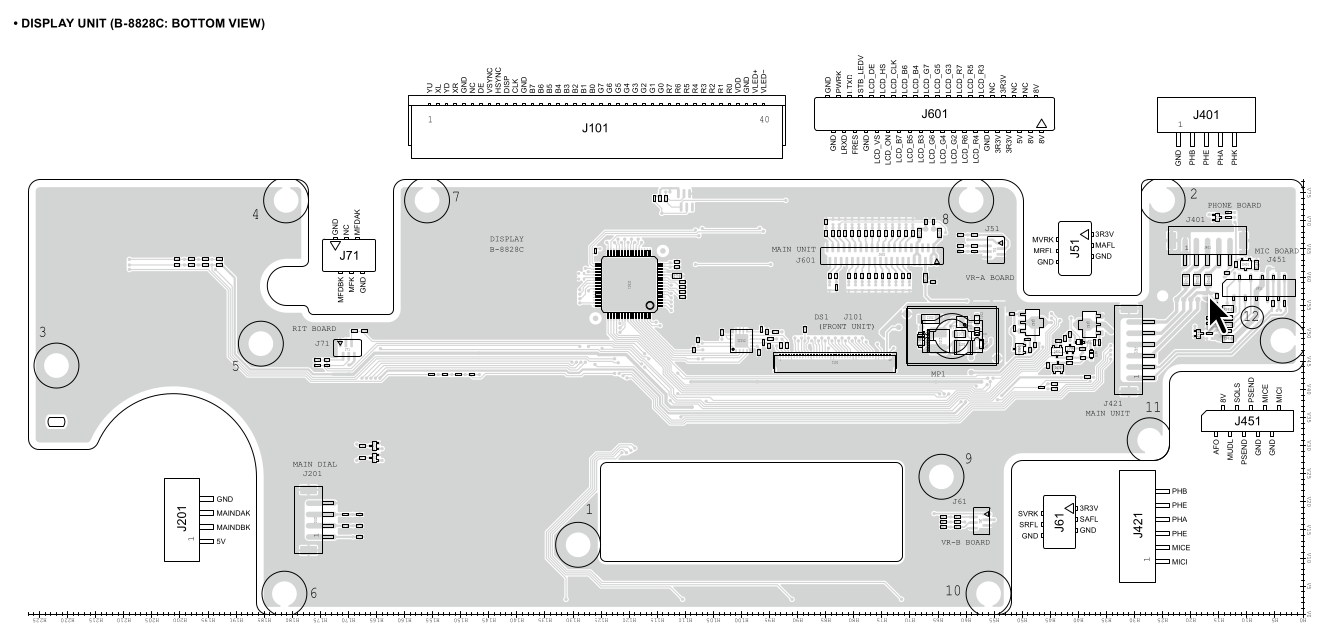
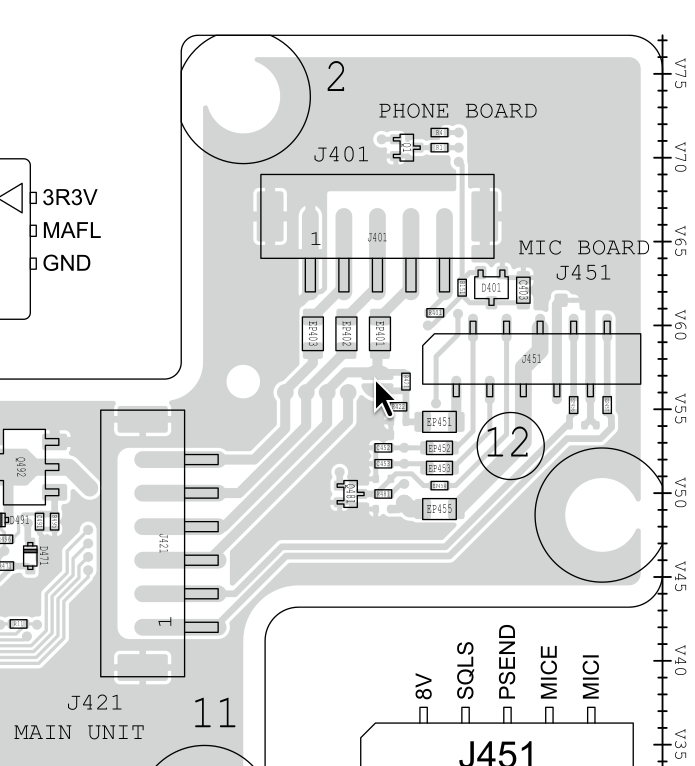
Fortunately, the test point is on the back of the display unit, so to access it, only the main case has to be removed (that’s a lot of screws, but at least there is no need to remove the rubber feet), and then there are 4 more screws to remove the display unit from the main body.
I removed J421 to have more space for working, but all the smaller connectors could stay in place.
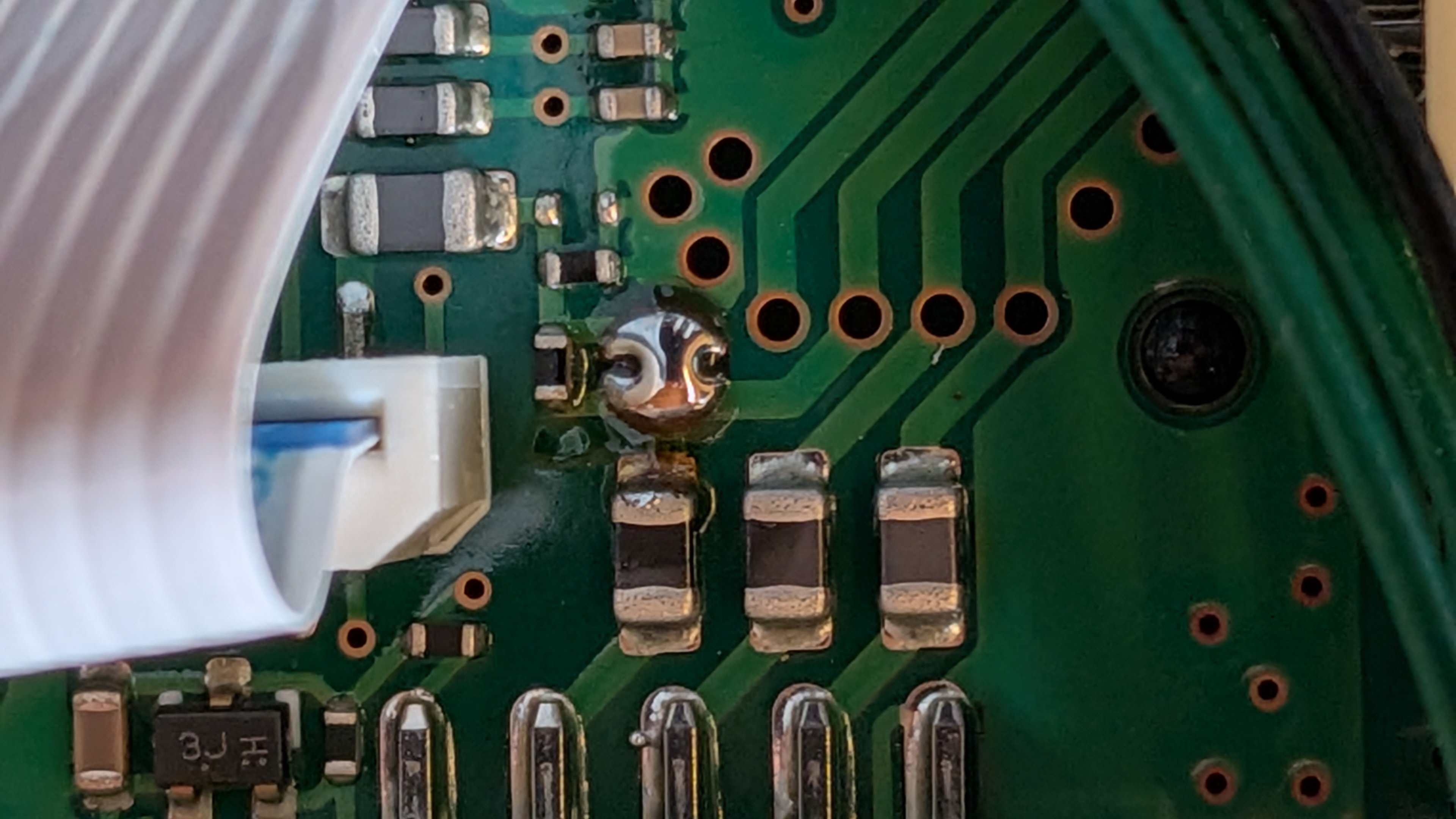
Audio now works.